6 Web Design Definitions You Need to Know
Every industry has its own lexicon of buzzwords and jargon, and web design is no exception. Over the years, web designers have created our own language of concepts and terms, some of them technical in nature and some more creative.
If you’re not in the field, there’s no reason why you would be well-acquainted with these terms. And yet, gaining some familiarity with them can help you to communicate more clearly with your own web design team, and to ensure you’re on the same page about your project and its progress.
Essential Terms from the World of Web Design
The terms we’re assembled here are by no means exhaustive but may help you find your bearings within this sometimes-confounding field.
User Interface (UI)
When web designers talk about user interface, they are talking about any visual or interactive elements of a website, including things like menus, buttons, and overall layout. UI encompasses both the aesthetics and the usability of a website, and as such it has a profound impact on how the site meets user needs.
User Experience (UX)
UI is not quite the same thing as UX. The latter term is used to describe the overall feel of using the website. Web designers generally want to provide a smooth and frictionless UX, which means users can find and access the information they need without any unnecessary hurdles.
Responsive Design
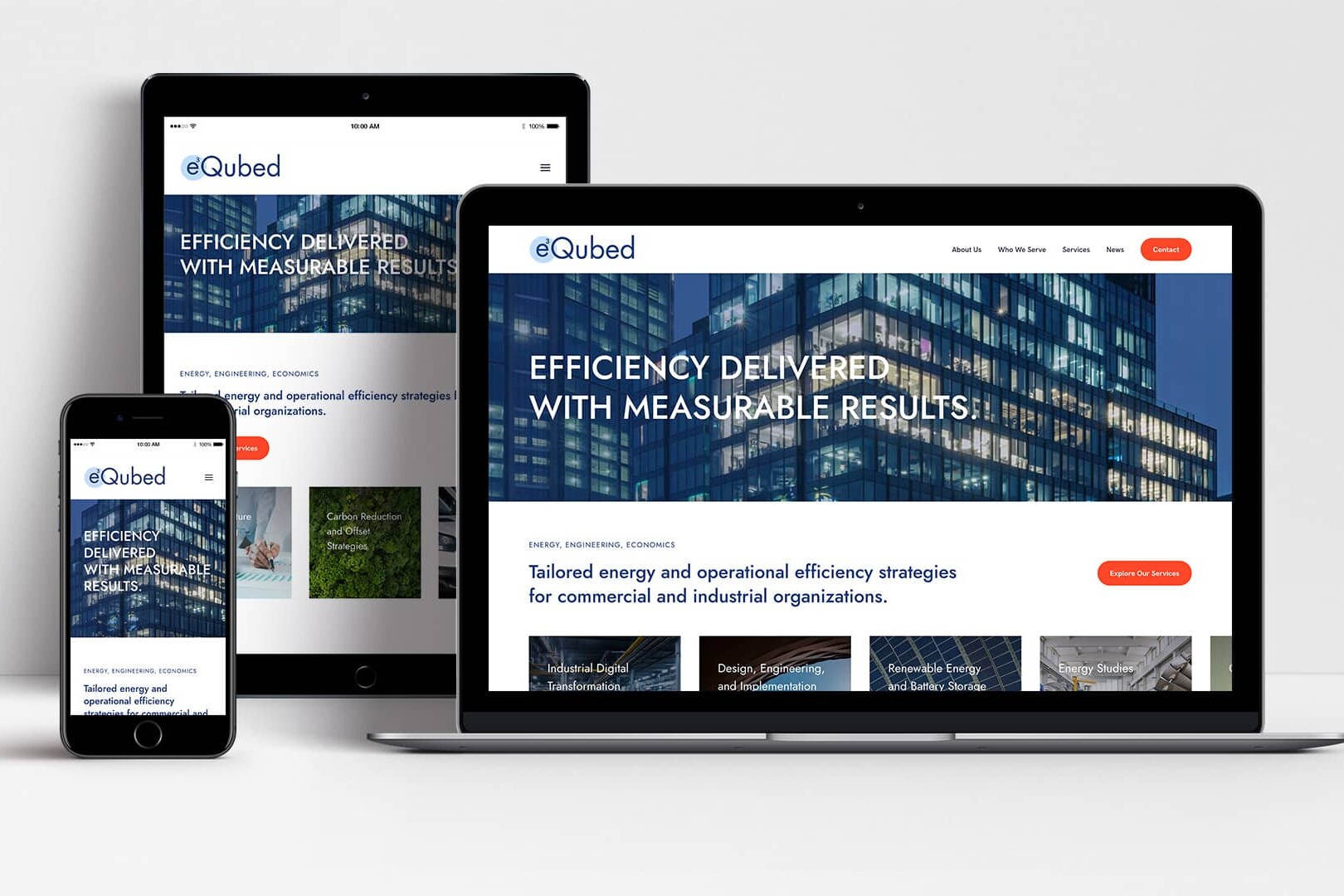
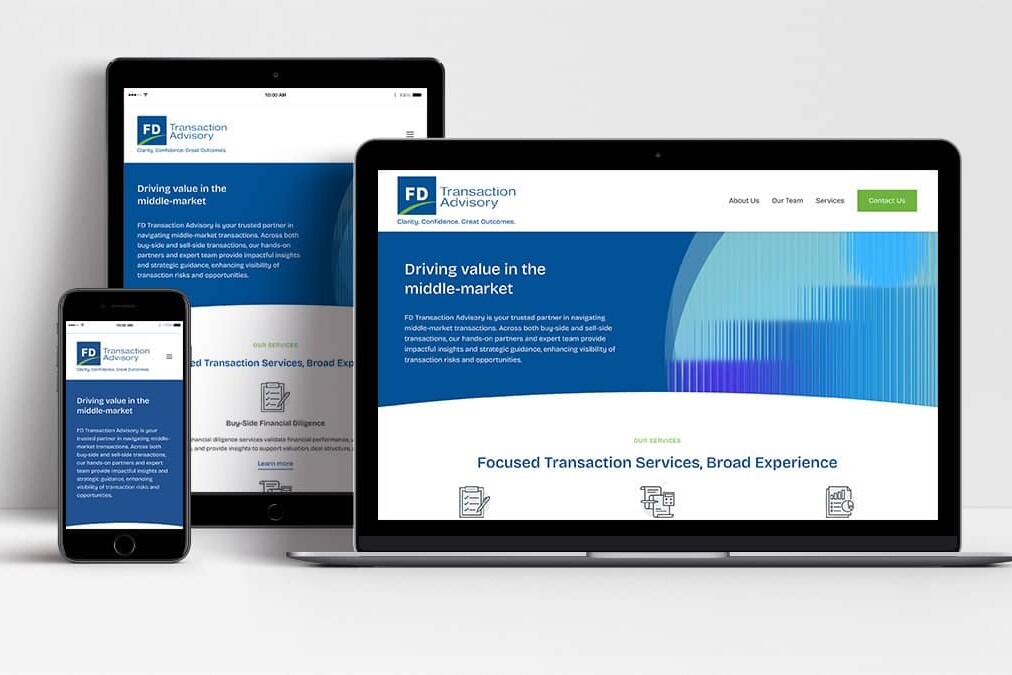
Responsive design is a concept closely related to mobile friendliness. Basically, a responsive design will automatically adjust to any screen size, which means the site will look good and be easy to navigate no matter what browser or device the user is on.
Wireframe
When you work with a web designer, sooner or later they’ll send you a wireframe of your website. This is not a finished product nor even really a rough draft; in fact, most wireframes don’t have much in the way of imagery or color. Rather, a wireframe is meant to provide a basic outline of how information is organized on the page. When you receive a wireframe, you can use it to ensure that you’re comfortable with the basic hierarchy and flow of information before the visual and aesthetic elements are added.
Search Engine Optimization (SEO)
SEO refers to the process by which you try to improve a website’s visibility among targeted search engine users. Basically, SEO is all about making sure the right consumers can find the website. A lot of SEO work is gone after the web design work is through, but some SEO elements are part of the web design process itself. For example, UX can actually have a significant effect on search engine rankings.
Accessibility
It’s important to create a website that’s easily viewed by all users, including those who may have different kinds of disabilities. Accessibility may mean ensuring text and background color contrasts that make your site easy to read or ensuring that it can be translated effectively into an audio player.
Find Your Footing in Web Design
As you prepare to embark on a web design process, it’s helpful to speak the language, even just in passing. It’s equally important to choose a web design partner who will keep you well-informed throughout each stage of the process. We’d love to play that role, and to guide you through your own web design journey. Reach out to the team at Woland Web whenever you’re ready to learn more!