Is Your Website ADA Compliant? Here’s Why It Matters
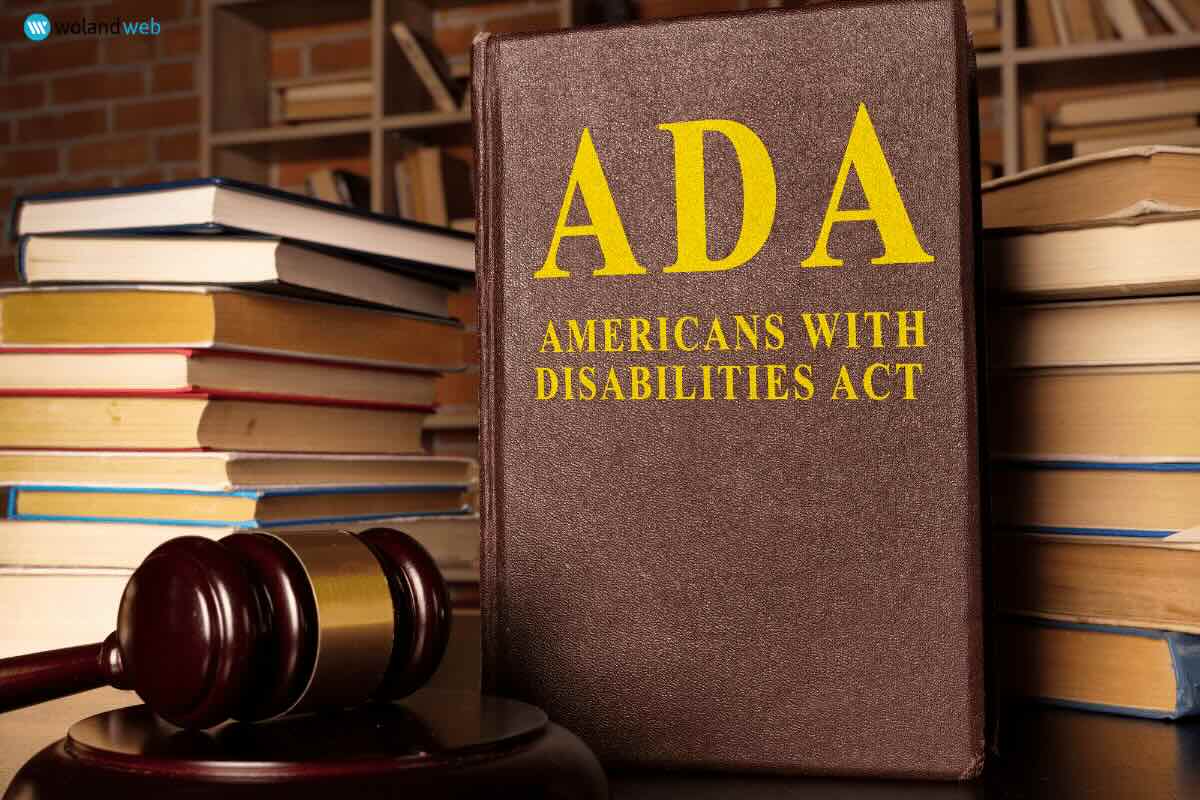
The digital world should be accessible to everyone, yet many websites still present barriers for individuals with disabilities. From visually impaired users navigating with screen readers to those who rely on voice commands or keyboard shortcuts, ensuring accessibility is not just a courtesy—it’s a legal and ethical necessity.
ADA (Americans with Disabilities Act) compliance for websites is becoming an increasingly important topic for businesses, nonprofits, and organizations. Failing to meet accessibility standards can result in lawsuits, financial penalties, and reputational damage. In this article, we’ll break down what ADA compliance means for your website, who needs to comply, and how to make your site accessible for all users.
What Is ADA Website Compliance?
The Americans with Disabilities Act (ADA) was passed in 1990 to prevent discrimination against individuals with disabilities. While it initially focused on physical spaces, digital accessibility has become a major consideration as more businesses and services move online.
Though the ADA itself does not explicitly outline website requirements, courts and regulatory agencies have interpreted the law to apply to websites, particularly for businesses that serve the public. The Department of Justice (DOJ) has stated that websites should comply with the Web Content Accessibility Guidelines (WCAG), a set of internationally recognized standards for digital accessibility.
Who Needs to Be ADA Compliant?
ADA website compliance primarily affects businesses that fall under the following categories:
- Title I Businesses: If your business has 15 or more employees and operates for at least 20 weeks per year, you must comply with ADA standards.
- Title III Businesses: If your company offers goods or services to the public—such as hotels, banks, restaurants, retail stores, healthcare providers, or educational institutions—you are considered a “public accommodation” and must ensure your website is accessible.
While private clubs and religious organizations are generally exempt, other businesses should take accessibility seriously. Even if you are not legally required to comply, ensuring an inclusive website can improve customer experience and protect your brand from potential legal challenges.
The Legal Gray Area
ADA compliance for websites has been debated in courts across the U.S., with different circuit courts offering varying interpretations. Some courts have ruled that a business’s website is a public accommodation and must be accessible, while others have limited ADA requirements to physical locations.
Despite this lack of consistency, the trend is clear—regulatory agencies and advocacy groups continue to push for broader enforcement of digital accessibility. Businesses that ignore these guidelines risk legal action, with lawsuits over inaccessible websites on the rise in recent years.
Consequences of Non-Compliance
Failing to make your website ADA-compliant can lead to:
- Legal Penalties: Businesses found in violation of ADA regulations can face lawsuits, settlements, and financial penalties.
- Lost Revenue: If your website is not accessible, you may be excluding a significant portion of your potential customer base.
- Reputational Damage: Negative publicity from an ADA lawsuit can harm your brand and customer trust.
How to Make Your Website ADA Compliant
Ensuring your website is accessible doesn’t have to be overwhelming. Here are key steps to help bring your site in line with ADA standards:
- Ensure Keyboard Navigation: Many users with disabilities rely on keyboard shortcuts to navigate websites. Your site should be fully functional without requiring a mouse.
- Use Alt Text for Images: Screen readers rely on descriptive alternative text to interpret images. Every image, button, or icon should have alt text that accurately describes its function or content.
- Provide Video Captions and Transcripts: Audio and video content should include captions and transcripts to assist users with hearing impairments.
- Optimize Color Contrast: Text should be easy to read against its background. Avoid color combinations that are difficult for color-blind users to distinguish.
- Include Resizable Text Options: Users should be able to increase text size without losing content visibility or functionality.
- Design with Assistive Technologies in Mind: Test your website with screen readers and other assistive tools to ensure a smooth user experience.
Prioritize Accessibility Now
ADA compliance isn’t just about avoiding legal trouble—it’s about making the Internet a more inclusive space for everyone. By prioritizing accessibility, you enhance user experience, reach a broader audience, and demonstrate your commitment to inclusivity.
If you’re unsure whether your website meets ADA standards, Woland Web can help. Our team specializes in building accessible, high-performing websites that meet regulatory requirements and ensure a seamless experience for all users.
Ready to Make Your Website Accessible?
Let’s work together to ensure your website meets ADA compliance standards. Contact Woland Web today to get started!